Set or test your FTP
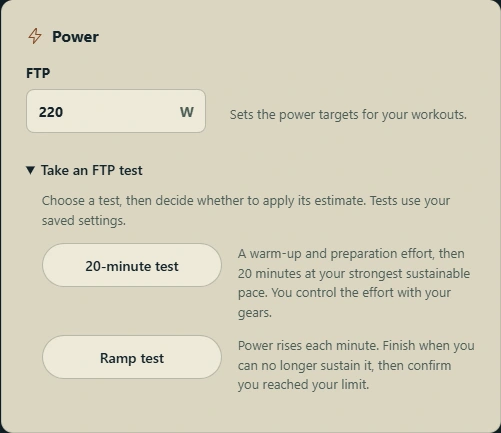
Enter your FTP to set workout power targets, or take a 20-minute or ramp test. Review the estimate and choose whether to apply it.
Real climbs, structured training and a clearer view of your riding. Set your targets, ride at your pace and see what changes over time.
Choose your company
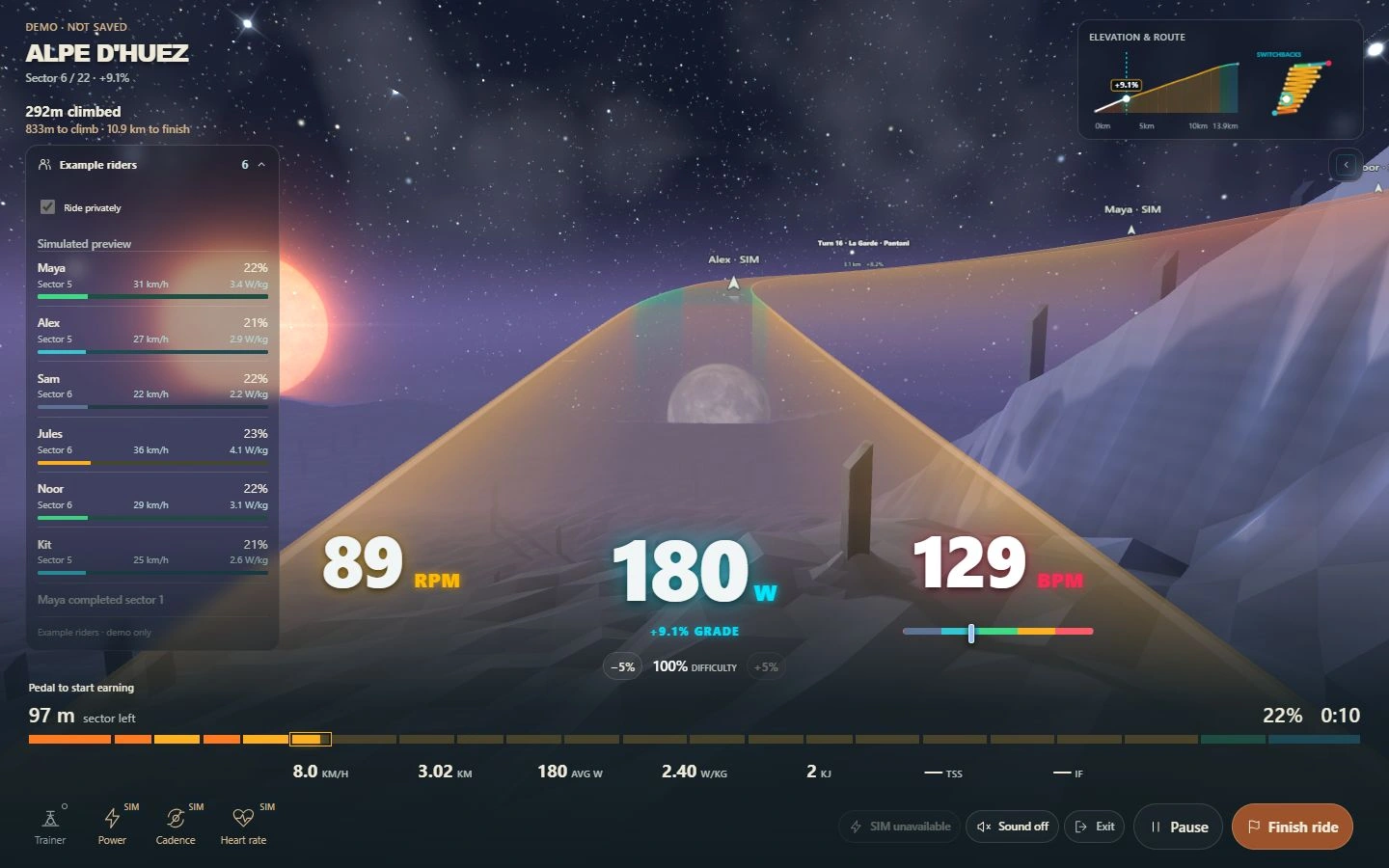
Climb Alpe d’Huez, Mont Ventoux and Sa Calobra in Apogee’s space landscapes. Follow the route’s gradients, switchbacks and ascent.
Opt in on a Route to see nearby riders on the road and in your rider panel, with their progress, speed and watts per kilogram. Switch back to private riding whenever you want.
Add a virtual rider at 1.5, 2.5 or 3.5 W/kg. Follow its steady effort or ride ahead. Your Pacer is available on private Routes too.

Train to your targets
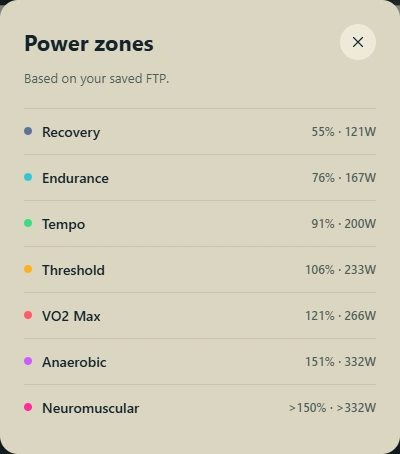
Choose endurance, sweet spot, VO2 max and more. Set the duration and follow power and cadence targets based on your FTP.
The interval profile, countdown and live power, cadence and heart rate keep the session in view. Adjust intensity during a regular workout when you need to.
With a compatible smart trainer, ERG mode adjusts resistance to your workout’s power target. Routes use the gradient instead.
Explore workouts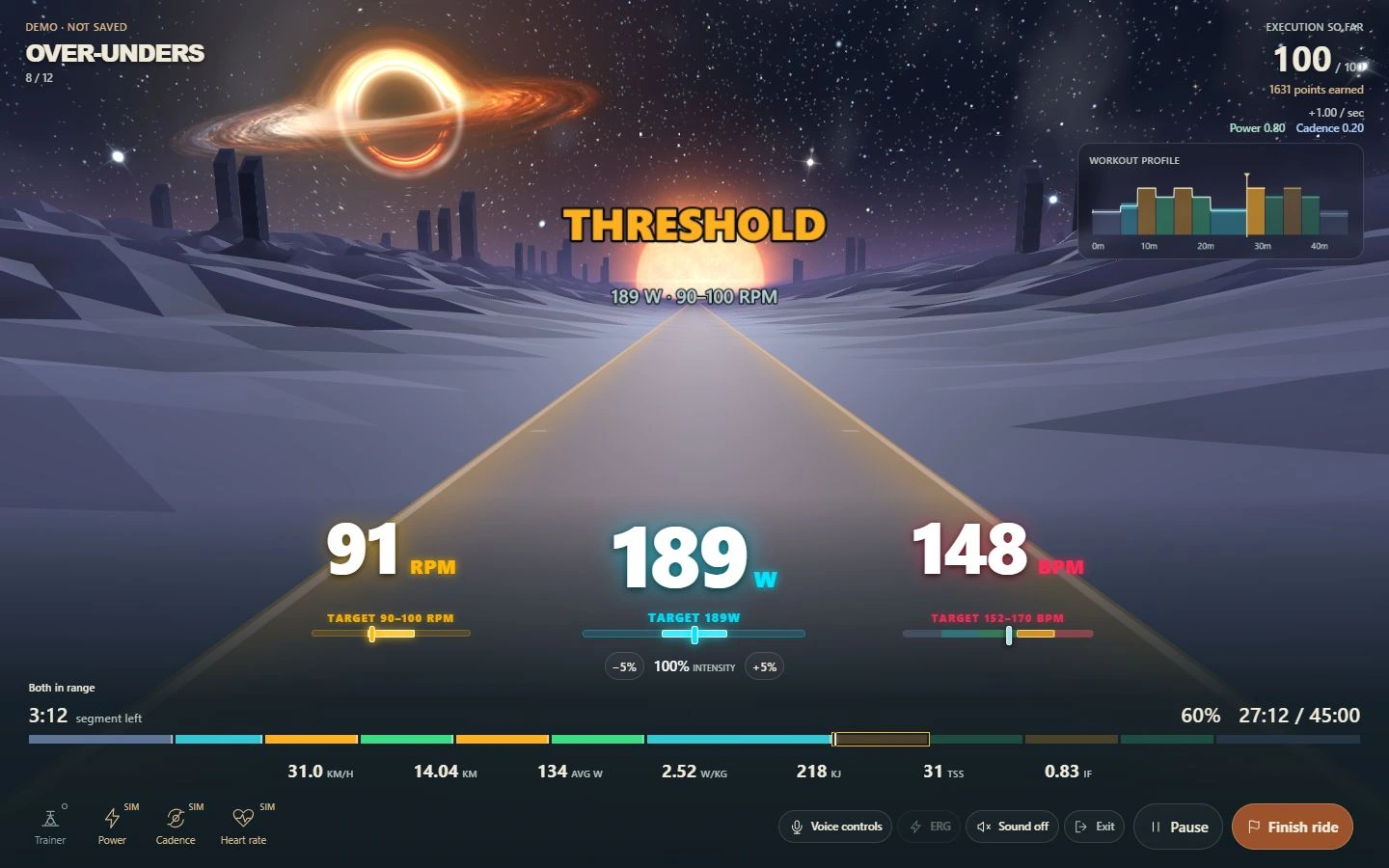
Set up your rider profile with your own FTP and heart-rate zones, then use them to guide your sessions.
Enter your FTP to set workout power targets, or take a 20-minute or ramp test. Review the estimate and choose whether to apply it.
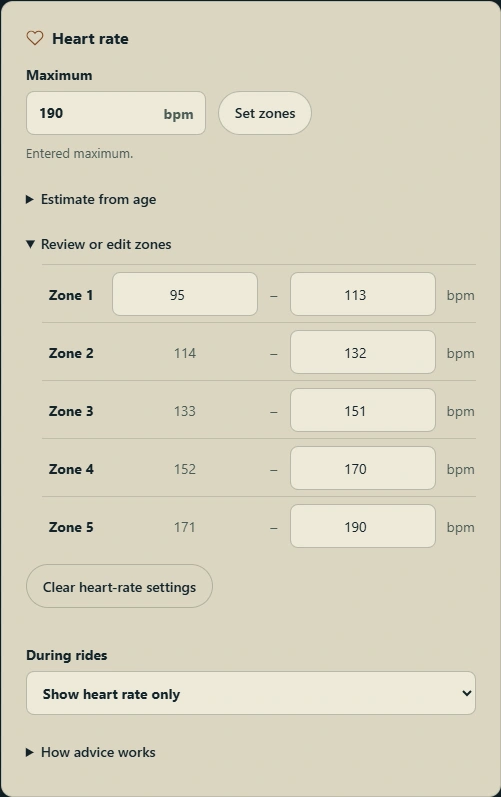
Enter your maximum heart rate or estimate it from age, then review and edit all five zones. Choose to display heart rate, receive ease-off suggestions, or enable automatic easing for endurance and recovery.
See your riding take shape
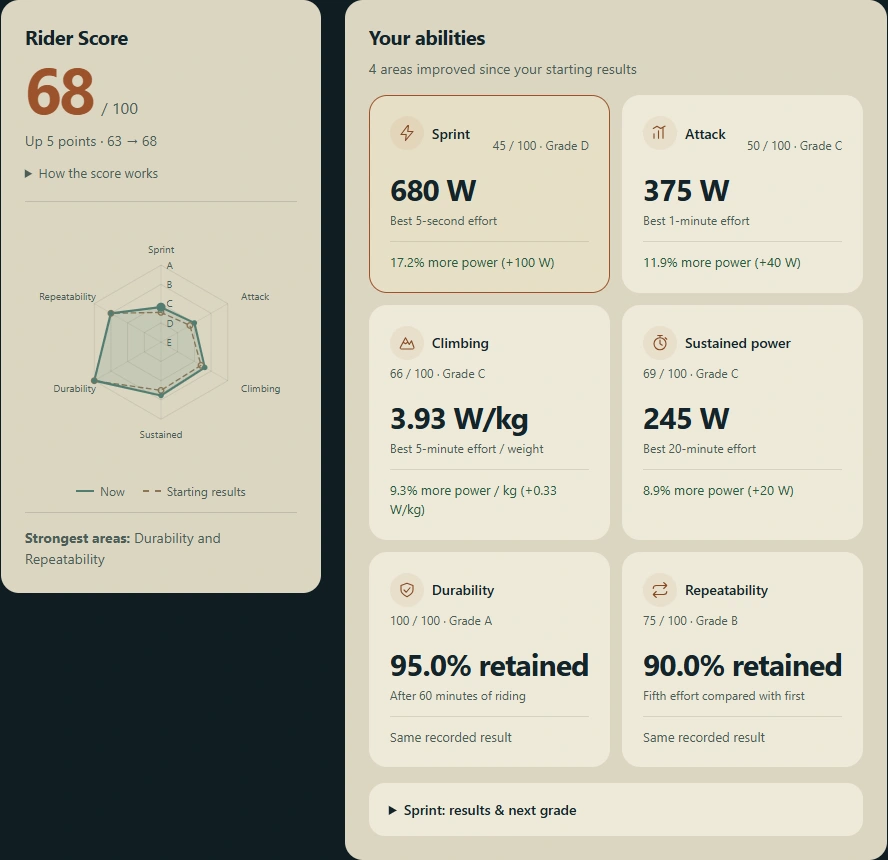
Track six rider strengths: sprint, attack, climbing, sustained power, durability and repeatability. View your radar or bars, compare recent results and see the next grade.
Earn workout points for matching power and cadence targets. Build career XP as you ride, and use dedicated benchmarks to measure durability and repeatability.
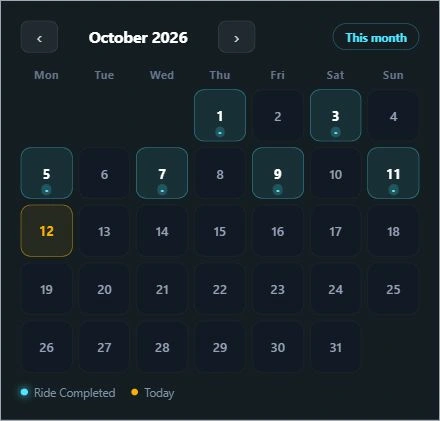
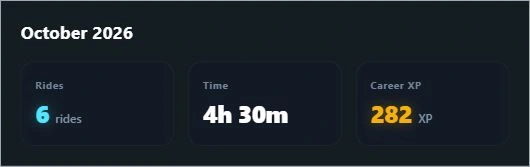
Find rides on your calendar, open saved reports and review monthly totals, best power efforts and career distance.
Pause, adjust intensity or ask what’s next without reaching for the keyboard. Requires microphone access and supported speech recognition.
Connect a compatible smart trainer and an optional heart-rate monitor. See live watts, cadence and heart rate while you ride.
Review your effort and workout execution after a ride. Export TCX activity files or connect Strava to share your rides.